I planned to launch my flagship app (Practiso) on the Play Store. Three and a half months later, there’s still no significant progress. To be fair, I spent much more time on development than on marketing, but the latter—Google Play, which I’m talking about today—clearly demands far more time than I had anticipated.
Problem 1: Closed Testing
According to Google’s help documentation, individual developer accounts are required to:
- Create a closed testing release and upload an AAB.
- Invite 12 people to join the testing program.
- Test for 14 continuous days.
I figured I’d be able to release after that, right? I invited 12 people—no
problem, done within two days. Testing for 14 days? I wasn’t sure exactly how
that was enforced. I decided to do nothing and just let it sit. After 14 days,
the Play Console showed the tasks as completed.
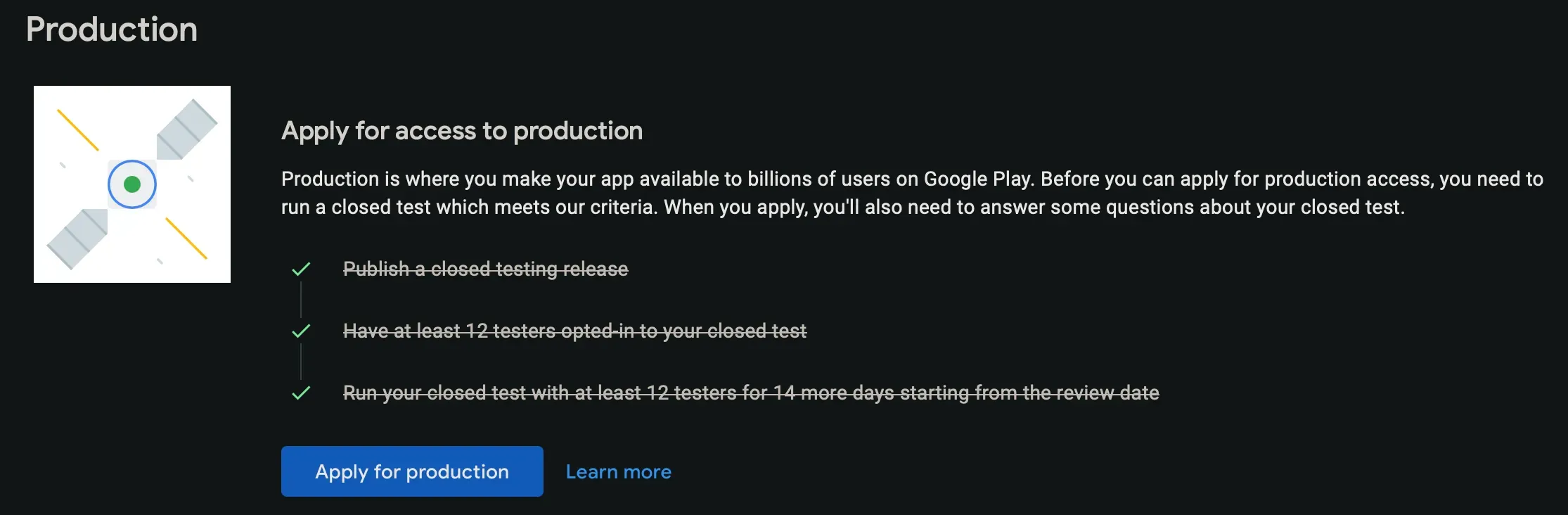
I excitedly clicked the application button, only to be hit with these questions:
Describe the engagement you received from testers during your closed test: include whether or not testers utilized all of the features in your app, and whether tester usage was consistent with how you would expect a real user to use your app. If not, describe the differences you would expect to see.
Tester engagement? There was none, obviously. I had to use ChatGPT to roleplay as testers to answer the question. There were four more questions, which I’ll summarize:
- Question 2: Summary of tester feedback?
- Question 3: Is the app ready for production? How ready?
- Question 4: How do you know it’s ready?
These questions are absolute garbage. I filled them out using AI and waited for four or five days. Naturally, I was rejected. Their reasons were:
- Testers were not engaged with your app during your closed test.
- You didn’t follow testing best practices, which may include gathering and acting on user feedback through updates to your app.
What the hell does that even mean? How do I get testers “more engaged”? More downloads? I have no idea. And what “best practices” didn’t I follow? How am I supposed to know?
Problem 2: Console Interaction Logic
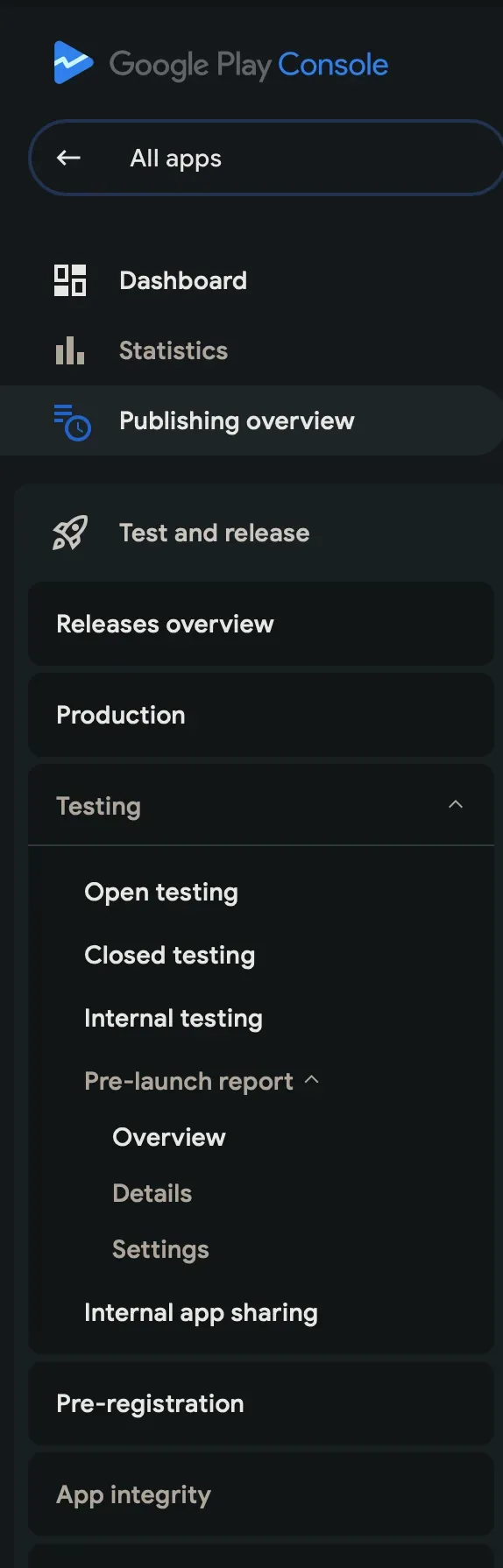
The Play Console’s UX is incredibly confusing. There’s a sidebar that basically contains a tree with a depth of four.
On the app update page, you can choose to include resource files from old versions while uploading a new version, which leads to three possible outcomes:
- Choose to release the old version -> The update contains empty content.
- Choose to release both the new and old versions -> The update content is completely replaced by the old version’s resource files.
- Choose to release only the new version -> Success.
They really wanted to make an “all-in-one” panel. Changes can be saved as drafts, but reverting to the original state takes more time than just deleting and starting over. Developers really need to know exactly what they are doing.
I’ll Keep Trying
There are other issues, but I don’t want to complain too much. At the very least, I’ve realized I need to spend more time on this. Also, maybe you, the reader, could help me test? Or maybe I’ll have to pay a team to get this launch finished. If you’re interested, click the link below to help me out.
Android: https://play.google.com/store/apps/details?id=com.zhufucdev.practiso
Web: https://play.google.com/apps/testing/com.zhufucdev.practiso